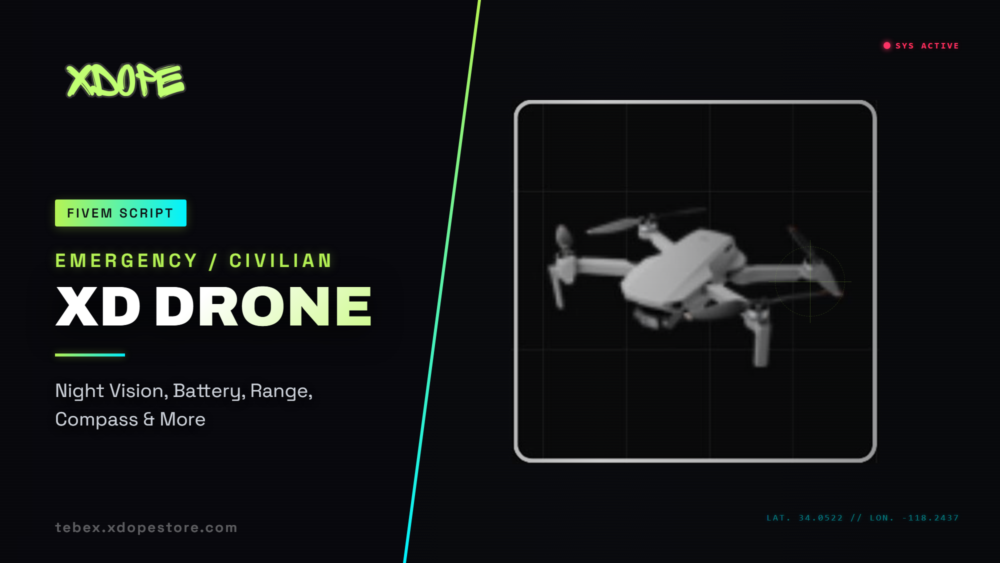
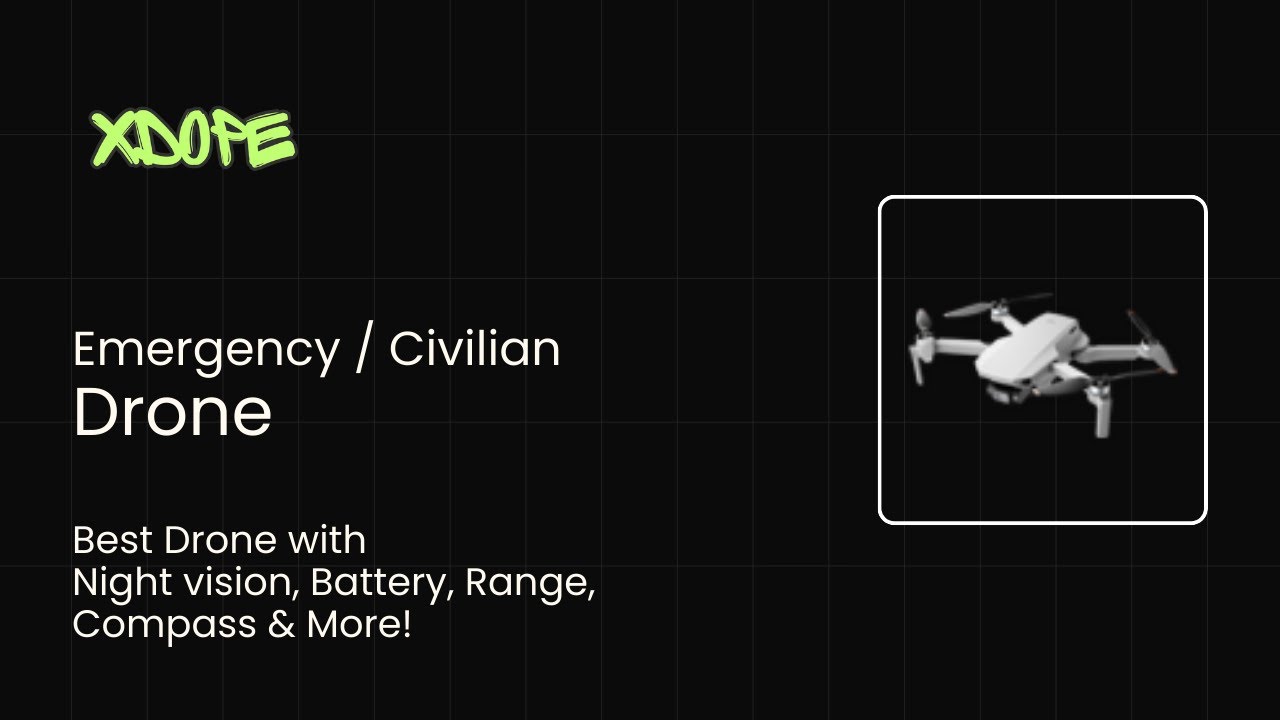
Take to the skies with XD Drone, a comprehensive drone control system built for FiveM servers. Whether you’re running surveillance operations, capturing aerial footage, or exploring the map from above, this script delivers a realistic and immersive drone experience that your players will love.
Realistic Flight Mechanics
XD Drone features authentic six-degree-of-freedom flight controls that respond naturally to your input. Control throttle, pitch, roll, and yaw with precision using either keyboard or gamepad. The physics engine handles momentum, gravity, and air resistance just like a real drone would behave. Each movement feels weighty and responsive, making piloting both challenging and rewarding.
The system includes configurable control speeds and limits, so you can fine-tune the flight characteristics to match your server’s style. Want faster, more agile drones? Or slower, more stable ones? It’s all adjustable in the config.
Professional HUD Interface
The built-in heads-up display provides everything pilots need at a glance. Real-time flight data shows altitude, distance traveled, horizontal and vertical speed in your preferred units (MPH or KMH). A dynamic compass keeps you oriented, while battery and signal strength indicators warn you before it’s too late. Coordinates are displayed continuously, making it easy to mark locations or share positions with your team.
The HUD is fully customizable per drone type. Enable or disable any component you want – flight data, compass, status panels, instruction buttons, and camera controls. Toggle the entire HUD on and off with a single keypress when you need an unobstructed view.
Battery & Range Management
Every drone comes with a realistic battery system that depletes over time. Watch your power level carefully – when it drops below 15%, you’ll get a warning to return immediately. Run out of juice mid-flight and your drone crashes, requiring a recharge period before you can use it again.
Signal strength works similarly. Each drone has a maximum operating range from the operator. Venture too far and you’ll lose connection, causing the drone to drop. The system provides visual warnings as you approach the limit, giving you time to turn back safely.
Damage & Collision System
These aren’t indestructible machines. Collisions with terrain, buildings, or other objects will damage your drone. Each model has configurable health points – take too many hits and it’s game over. The damage timeout prevents rapid-fire destruction, but repeated impacts will eventually bring you down.
Water contact is instant death for any drone. Touch a puddle, lake, or ocean and your aircraft is done. Visual screen effects intensify as damage accumulates or signal weakens, providing clear feedback about your drone’s condition.
Advanced Camera Features
The first-person camera attaches directly to your drone, giving you a true pilot’s perspective. Zoom through multiple levels with the press of a button, perfect for detailed reconnaissance or wide-area surveys. The camera rotates independently from the drone’s movement, letting you look around while maintaining your flight path.
Night vision mode illuminates dark areas, making nighttime operations possible. Thermal vision, available on select drone models, reveals heat signatures through walls and obstacles – ideal for search and rescue or tactical operations.
Screenshot System
Capture stunning aerial shots with the built-in screenshot feature. Take photos from your drone’s perspective and get an instant URL copied to your clipboard. Share your best shots with the community or use them for evidence gathering. The system automatically hides the HUD during capture for clean, professional images.
Multiple Drone Types
Configure as many different drone models as you need, each with unique characteristics. Set different flight times, operating ranges, health values, and available features per model. Create civilian drones for general use, emergency drones restricted to police and medical personnel, or specialized models for specific jobs.
Each drone can have its own model, item name, and feature set. Enable thermal vision only on professional models, or give basic drones limited flight time. The flexibility lets you build a drone ecosystem that fits your server perfectly.
Framework Integration
XD Drone works seamlessly with ESX, QBCore, and ox_inventory. The bridge system automatically detects which framework you’re running and adapts accordingly. Item registration, notifications, and inventory management all happen automatically – no manual integration needed.
Job restrictions can be applied per drone type, ensuring only authorized personnel access specialized equipment. Set minimum grade requirements for different models, creating a progression system for your players.
Visual & Audio Polish
Realistic drone sounds play automatically when any drone is active, adding to the immersion. The audio system tracks all drones on the server, starting and stopping sounds as they spawn and despawn.
When a drone crashes, expect particle effects and screen blackouts that sell the impact. The visual feedback system provides clear warnings through screen effects when you’re in danger – whether from low battery, weak signal, or accumulated damage.
Player Animations
Operators hold a physical controller prop while piloting, visible to other players. The animation system ensures the controller stays properly attached and the animation loops correctly. When you pick up or deploy your drone, appropriate animations play automatically.
Smart Pickup System
You can’t just teleport your drone back to inventory. To safely retrieve it, you need to fly back within pickup range and land near your character. Exit the drone while it’s far away and it breaks, forcing you to wait for the recharge timer. This encourages careful flight planning and adds real stakes to every mission.
Customization Options
Nearly every aspect of the drone system is configurable. Adjust control speeds, limits, and reset rates. Change battery drain rates and recharge times. Modify pickup ranges and damage timeouts. Set flight times and operating ranges per drone. Toggle features on and off. The config file gives you complete control over the experience.
Easy Installation
Getting started is straightforward. Drop the resource into your server, configure your drone types in the config file, and add the items to your inventory system. The script handles framework detection automatically, so there’s no complex setup required.
Optional dependencies like ox_lib enhance the experience with better dialog systems, while screenshot functionality integrates with popular screenshot resources for seamless photo capture.
XD Drone transforms aerial gameplay on your FiveM server. With realistic physics, professional presentation, and extensive customization, it’s the drone system your players have been waiting for.


Dope Boy (verified owner) –
script work perfect! no lag with 50 players. dev help me setup everything on discord. 10/10 would recommend to other server owners
chilli whip (verified owner) –
script is ok but not perfect. had some bugs at first but dev fixed them. performance is average, works fine with 30 players but lags with more. good support tho
Thomas Teevan (verified owner) –
not bad but could be better. setup was confusing and docs need work. script runs ok but not as smooth as i hoped. dev is nice tho and helps when asked
Arnas Didzbanis (verified owner) –
Finally a script that actually works as advertised. The documentation is clear and the setup was smooth. My players love the new features, especially the custom animations.